




Important Dates
Friday, October 16
- Our Payments portal on the Make a Payment page will be unavailable starting at 12:00 AM.
- Bill Pay will be unavailable starting at 9:00 AM.
- Mobile Deposit will be unavailable starting at 4:00 PM.
- Online Banking, Mobile Banking, and Zelle® will be unavailable starting at 5:00 PM.
- Telephone Banking will be unavailable starting at 5:00 PM.
Saturday-Sunday, October 17-18
- All bankHometown offices will be closed. You can continue using our ATMs and your debit card throughout the transition.
- Digital banking services will remain unavailable.
Monday, October 19
- Our Payments portal at TruNorthBank.com/Payments will be available at 12:00 AM.
- bankHometown offices will reopen for regular hours as TruNorth Bank.
- Bill Pay, Online Banking, Mobile Banking, Mobile Deposit, Telephone Banking, and Zelle® will be available at 10:00 AM.
New Mobile Banking App
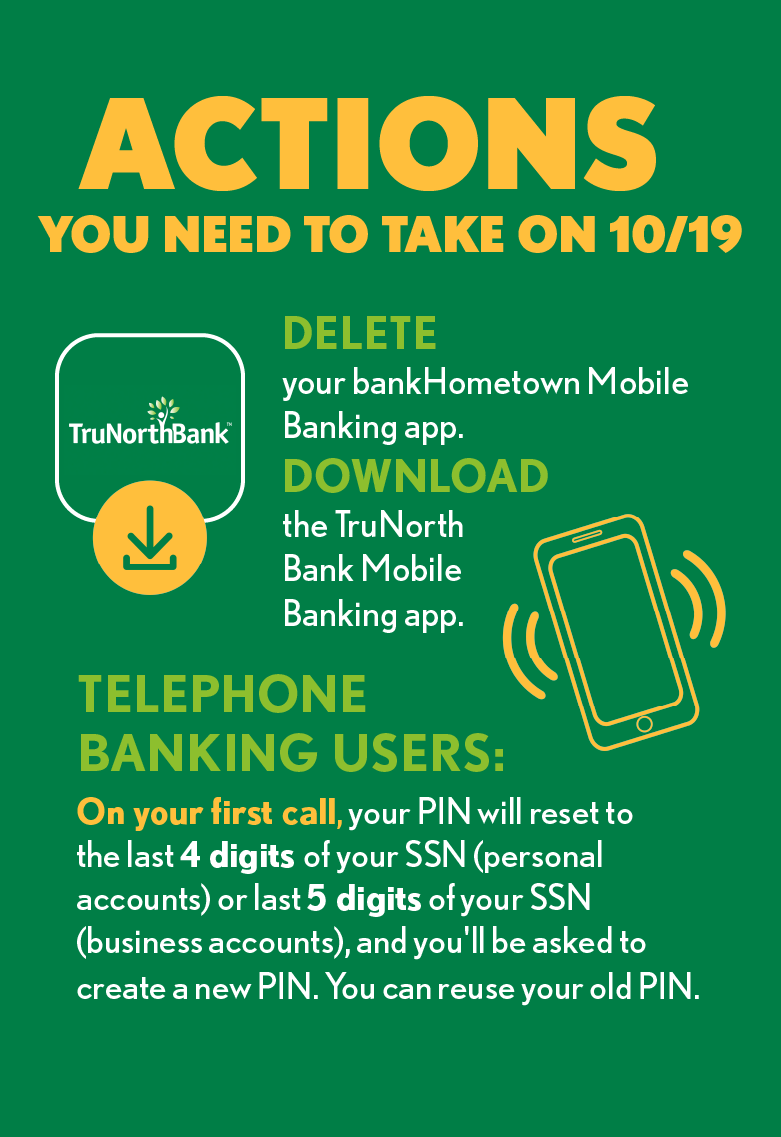
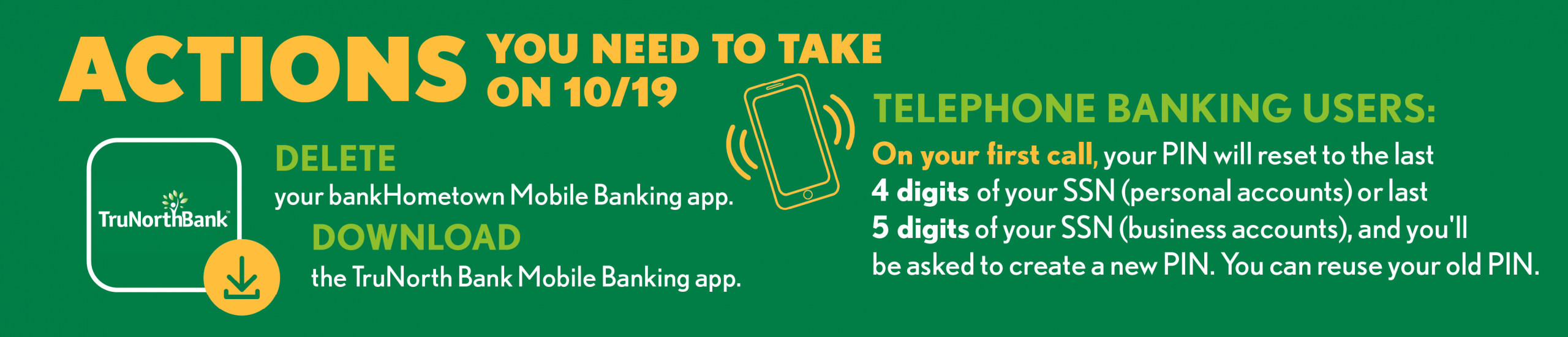
- On Monday, October 19, delete your existing bankHometown Mobile Banking app (it will no longer work). Download the TruNorth Bank Mobile Banking app from the App Store® (have your Apple ID and password handy!) or Google Play™.
- NOTE: You can download the TruNorth Bank Mobile Banking app before October 19, but you won’t be able to log in until then.
- If you use biometric ID (face or fingerprint) to log into the Mobile Banking app: The first time you log into the TruNorth Bank Mobile Banking app, you’ll need to enter your user ID and password. After that, you can set up biometric ID again. (Helpful hint…don’t remember your user ID and password? Click on “Forgot User ID” or “Forgot Password” to retrieve or reset them.)
- If you access Online Banking directly through a web address saved in your browser’s favorites, that web address will no longer work. Be sure to bookmark the new one instead!
- Account history, previously established automatic transfers, Bill Pay payees, active eBills, and scheduled Bill Pay payments will carry over; no need to set them up again.
- Account alerts will carry over, too, but you will need to reestablish Push notifications, if desired.
- Zelle® users will need to reenroll in the service and reestablish payees and payments.
- If you use an online account aggregation tool, such as Plaid, Credit Karma or Boost, you will need to reestablish your connection to the tool.
- Quicken® and QuickBooks® Web and Direct Connect users will need to disconnect Quicken or QuickBooks from bankHometown on or before Friday, October 16 and reconnect to TruNorth Bank after Monday, October 19. Click for more information about Quicken® and QuickBooks® Web and Direct Connect.
The App Store is a registered trademark of Apple Inc. Google Play is a trademark of Google LLC.
Zelle® and the Zelle® related marks are wholly owned by Early Warning Services, LLC and are used herein under license.
What You Need to Know
- All offices will be closed on Saturday, October 17.
- Our Customer Care phone number will change to 855.527.4111.
- Our website address will change to TruNorthBank.com.
- Our Routing & Transit Number will change to 211870935.
- Passbook Savings accounts will no longer be eligible for certain electronic funds transfers. See your transition guide for details.
- Your product name might change. See the Deposit Accounts section on page 4 of your transition guide.
- The IRA Annual Fee will be eliminated.
- Our Telephone Banking phone number will change to 877.372.2447.
- DIF insurance coverage (for those who are eligible) will continue for a limited time but will eventually be discontinued. (FDIC insurance coverage will remain.)
- We’ve made a change to the number of Checking + Savings account statements/eStatements you’ll receive during the transition period, and it differs from what we printed in our Transition Guide. Here are the new statement dates.
- Final bankHometown-branded statements/eStatements will be prepared on October 16. These statements will include all account activity and any interest earned through that date.
- Account Activity and interest accrued after that date will be posted and appear on a TruNorth Bank-branded statement/eStatement on October 31.
- Thereafter, all checking and savings accounts will receive month-end TruNorth Bank-branded statements.
What Stays the Same
- Account numbers won’t change (unless we’ve already contacted you).
- Account fees will remain the same.
- Your Online Banking and Mobile Banking login credentials won’t change (unless we’ve already contacted you directly).
- Keep using your existing bankHometown checks as long as they last. No need to order new ones! (If you order checks from a third party, at your next reorder, change the bank name to TruNorth Bank and Routing & Transit Number to 211870935.)
- Keep using your existing bankHometown Visa® debit and credit cards without interruption for all point-of-sale (in-person) and online transactions as well as in your mobile wallet with Apple Pay®, Samsung Pay™, and Google Pay™. We’ll replace your debit cards with TruNorth Bank cards in November and your credit cards with TruNorth Bank cards in 2027. You will not have access to Card Manager after October 19 and until you receive a new TruNorth Bank Debit Visa® Card.
- Your scheduled and/or recurring internal and external transfers, debit card transactions, and bill payments will process uninterrupted, and your Bill Pay payees and payments will carry over.
- FDIC insurance coverage remains in place. See page 4 of your transition guide for details.
Apple Pay is a trademark of Apple Inc., registered in the U.S. and other countries. Google Pay is a trademark of Google LLC. Samsung Pay is a trademark of Samsung Electronics Co., Ltd. Use only in accordance with law. Other company and product names mentioned may be trademarks of their respective owners.
What's New
- More Branch Locations. You’ll have access to 54 TruNorth Bank offices in Massachusetts, northeast Connecticut, and southern New Hampshire.
- More Fee-Free ATMs. You’ll have fee-free access to all TruNorth Bank ATMs, AllPoint® Network ATMs, and SUM® Network ATMs.
- Instant Issue Business Debit Visa® Cards will be available at all locations.
- eReceipts (alongside paper receipts) will be available in all our branches, and you’ll no longer need to fill out deposit or withdrawal slips.